


Table of Contents
AI is evolving at lightning speed, and this past week has been one of the most exciting yet. From Google’s Gemini becoming more intuitive to Microsoft upgrading Edge with real-time AI help, the future of how we interact with tech is being rewritten in real time.
Whether you’re a student, developer, researcher, or just a curious tech enthusiast, here are the seven most impactful AI developments from this week — plus one bonus that might just put you in the spotlight of your own AI-generated TV show.
1. Google’s Gemini Gets Smarter with “Deep Think” Mode
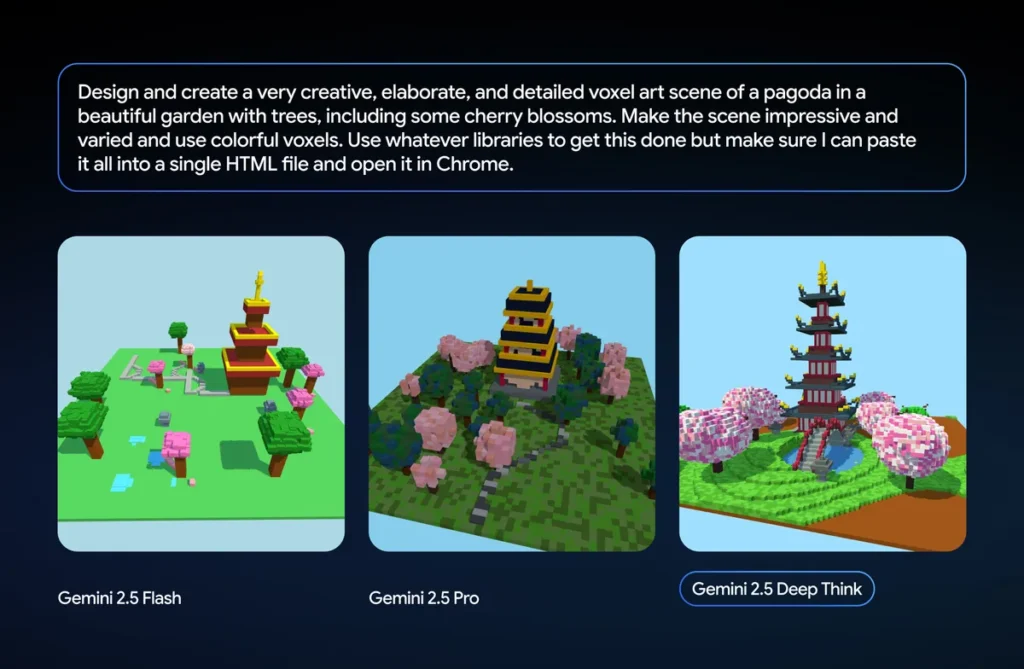
Google’s Gemini AI just leveled up with a feature called Deep Think. Instead of providing instant responses, this new mode allows the AI more time to process and reflect — leading to responses that feel more logical, thoughtful, and human-like.
Think of it as giving Gemini a moment to “breathe” before answering complex questions. It’s currently available to Gemini Advanced (Ultra) subscribers, but if history is any guide, Google may eventually roll it out to all users.
2. AI Overviews in Google Search Can Now Read Your Files
In a bold move toward a more AI-centric search experience, Google has upgraded its AI Overviews to support file uploads.
- Upload PDFs, images, or documents directly
- Ask questions about the content
- Use follow-up queries to refine responses
From summarizing long reports to scanning scanned files, Google Search is transforming into something closer to a full-fledged virtual assistant.
3. NotebookLM Now Creates Multimedia Summaries
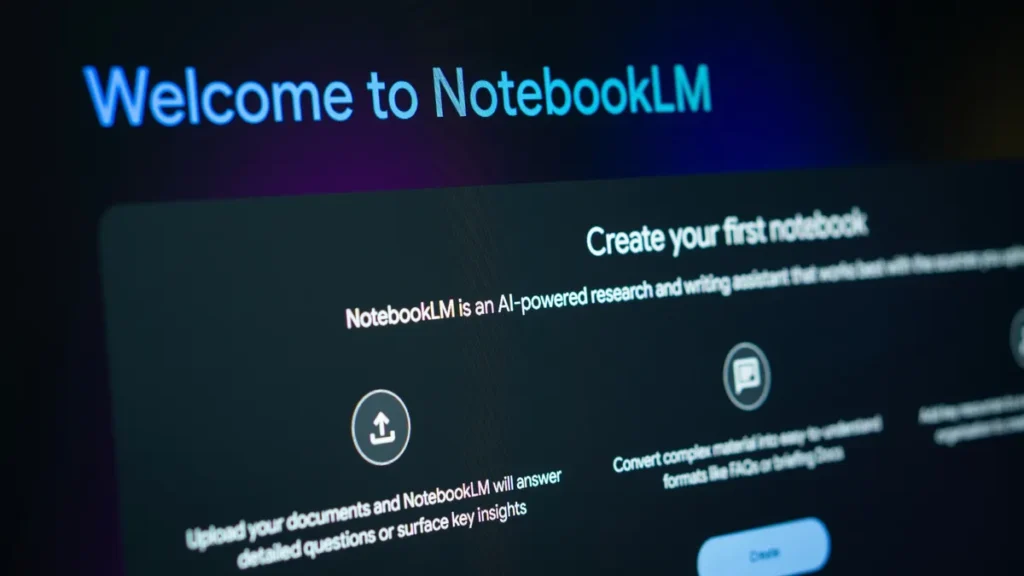
NotebookLM, Google’s research companion tool, has received a significant enhancement. It now generates Video Overviews — narrated summaries complete with visuals, quotes, diagrams, and data extracted from your documents.
What’s more, you can:
- Mix formats like audio and visual in a single notebook
- Create interactive study sessions with dynamic mind maps
It’s a promising leap toward AI-powered interactive research.
4. ChatGPT Conversations Surfaced in Google — Privacy Alert!

This week, users noticed that some shared ChatGPT conversations were appearing in Google Search results — even ones containing private or sensitive content.
In response, OpenAI disabled the “Make public” toggle and is working with search engines to de-index these pages.
What you should do:
- Review any shared ChatGPT links you’ve made public
- Delete or restrict access to sensitive conversations
This is a reminder that AI privacy is still an evolving concern in the age of publicly shared data.
5. Microsoft Edge Adds Copilot Mode — Real-Time AI Assistant
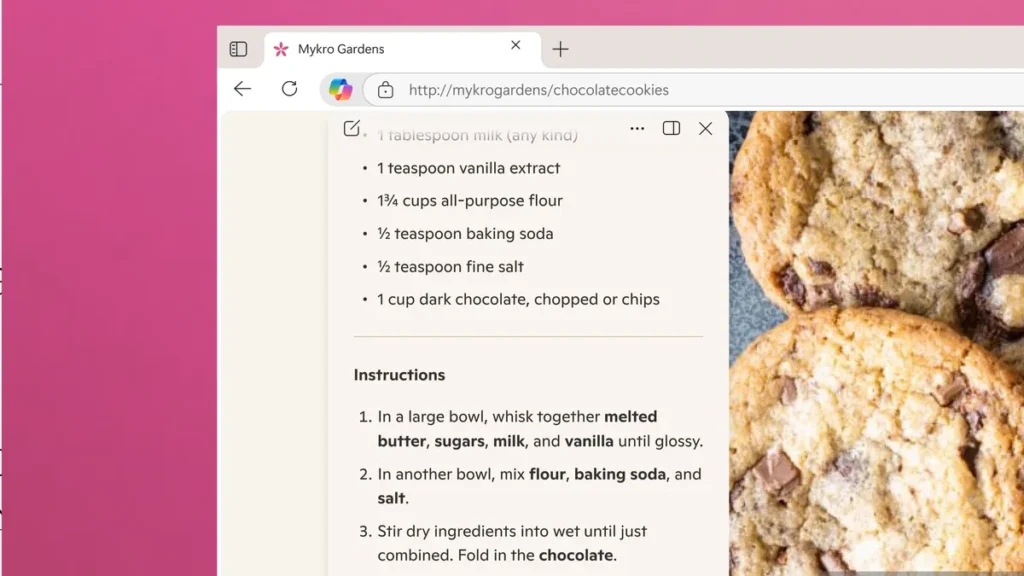
Microsoft Edge just turned into a full-blown productivity machine with the rollout of Copilot Mode.
Here’s what it can do:
- Summarize articles while you read them
- Help you write and edit emails on the fly
- Compare products and offer buying advice while shopping online
It’s one of the most practical and context-aware AI features yet — putting a true assistant in your browser.
6. ChatGPT Study Mode: AI-Powered Learning for Everyone

Students, rejoice! OpenAI has rolled out a new Study Mode in ChatGPT, turning the chatbot into a personalized tutor that adapts to your learning style.
You can choose:
- Your subject
- Your skill level
- Your preferred format: flashcards, breakdowns, practice problems, or Q&A
This tool is ideal for exam prep, casual learning, or even brushing up on professional topics — and best of all, it’s completely free to use.
7. ChatGPT Agent Mode Automates Real-World Tasks
Another major addition from OpenAI is Agent Mode — a smart assistant inside ChatGPT that can perform tasks for you.
Unlike traditional chatbots, the Agent can:
- Browse the web
- Organize files
- Perform multi-step tasks like generating and emailing reports
It’s still in its early stages, and while it sometimes needs supervision, it shows enormous promise for business and productivity users alike.
⭐ Bonus: Become the Star of Your Own AI-Generated TV Show

Want to see yourself in a Netflix-style animated series? Thanks to a new Amazon-backed startup called Showrunner, you can do just that.
Using a short prompt, Showrunner uses AI to:
- Write your story
- Generate animation
- Voice characters (including yours)
It’s creative, easy to use, and already has a vibrant community generating and sharing content. Think of it as the future of storytelling — AI-style.
Final Thoughts: The AI Future Is Already Here
This week’s rapid-fire updates are a strong reminder that the AI revolution isn’t coming — it’s already happening. Tech leaders like Google, Microsoft, and OpenAI are racing to redefine how we learn, work, and interact with information.
Whether you’re using AI to study, protect your data, or co-create digital content, the tools are smarter, more intuitive, and more accessible than ever.
Want to stay ahead of the curve? Bookmark our AI hub here at Unpack Tech, and check in weekly for hands-on guides, tool reviews, and the biggest AI breakthroughs you need to know.

